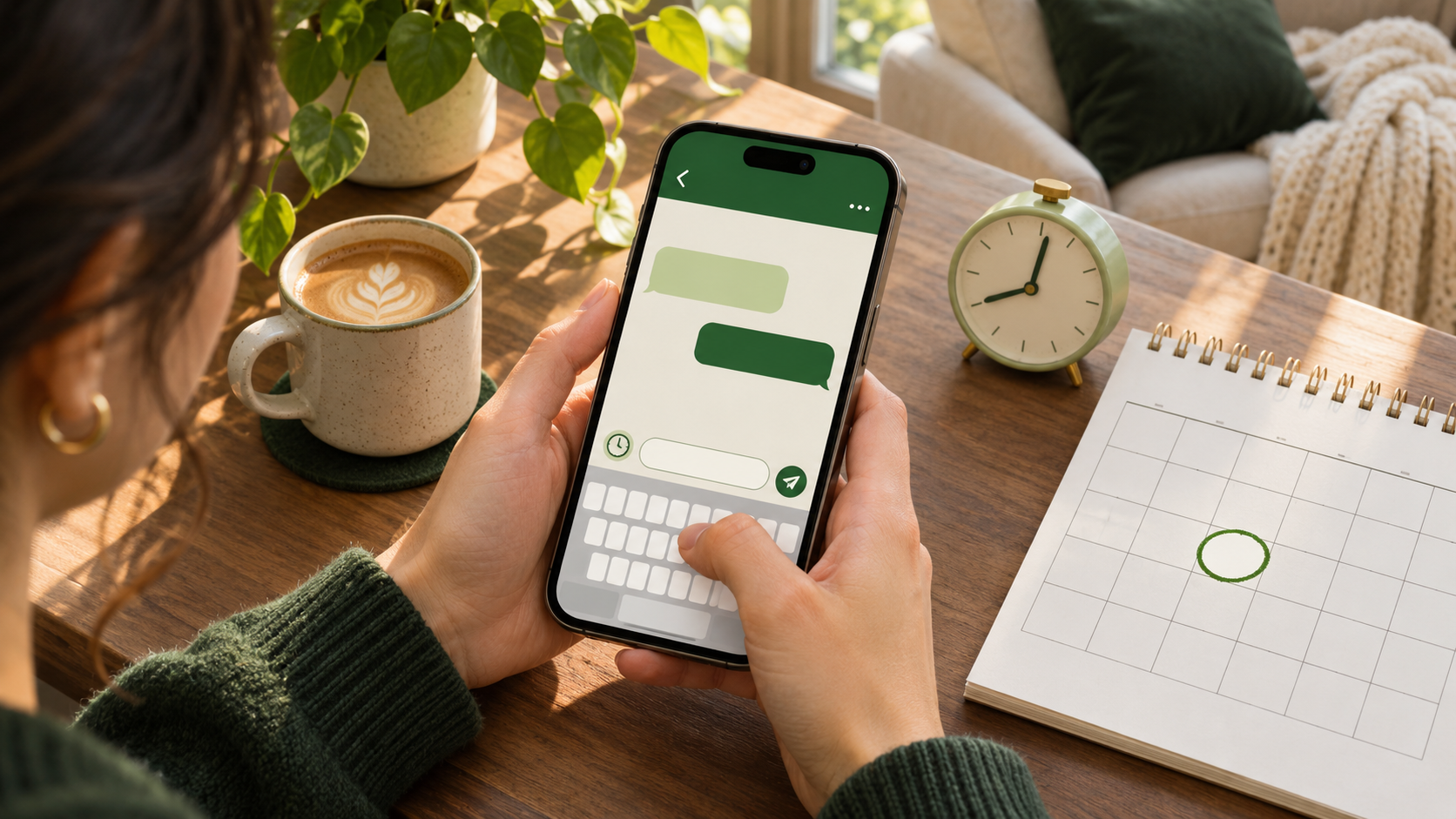
WhatsApp has started rolling out one of its most requested features: scheduled messages. The tool lets you write a message now and have it delivered later, in both individual chats and group chats, with scheduling reported to reach up to 14 days ahead.
How scheduling works
The feature began appearing in October for some Android beta testers and then for iPhone beta testers, and it is now spreading more widely, according to reports from TechCrunch and others. Based on those reports, you write your message, long-press the send button, and choose the date and time you want it delivered. The earliest you can schedule is about 10 minutes from now, and the furthest is two weeks.
Scheduled messages can include text, links, photos and videos, although only one piece of media can be scheduled at a time in early versions. Queued messages are listed in a dedicated section in the chat info screen, or the group info screen for group chats, where you can review or delete them before they send.
Details that matter
- Your phone does not need to be online. Reports say the delivery runs from WhatsApp’s servers, so the message still goes out if your phone is off or offline at the scheduled time.
- End-to-end encryption is kept. Scheduled messages keep WhatsApp’s usual encryption.
- Recipients are not told. The other person does not see that the message was scheduled, and deleting a scheduled message before it sends does not notify them.
- Group chats are handled carefully. A scheduled group message is delivered only to people who were in the group when you scheduled it, so newcomers do not see an out-of-context message.
Who gets it, and when
Like most WhatsApp features, the rollout is gradual. Some people will see the option today and others will wait for weeks, and availability can differ between Android and iPhone. If you do not see it yet, make sure the app is updated from the Play Store or App Store and check again later. There is also no confirmed information about whether scheduling will come to WhatsApp channels.
How to get the most out of it
Scheduled messages are useful for everyday things: sending a birthday wish at midnight, reminding a group about a meeting the evening before, or messaging a friend in another time zone at a sensible local hour. They can also help people who work late or across time zones avoid pinging colleagues outside working hours. Two habits will help. First, double-check the date and time zone before you confirm, since a wrong time is easy to miss. Second, remember that you can still change your plans by deleting a queued message from the chat info screen, which is better than leaving something outdated to send itself.
A note on privacy and trust
Because the message is stored until its send time, it is worth knowing it is covered by the same encryption as normal chats, according to the reports. As with any new feature, wait for WhatsApp’s own help pages for the definitive details on how scheduled content is handled.
Bottom line
WhatsApp has finally caught up with a feature that iMessage and several other apps have offered for a while. It is simple, works for groups, and keeps its privacy protections, which makes it a practical update for anyone who messages across busy days and time zones.
Featured image: Illustration: scheduling a message to send later