This article contains affiliate links marked “(paid link)”. If you buy through them, DigroTech may earn a commission at no extra cost to you. Learn more.
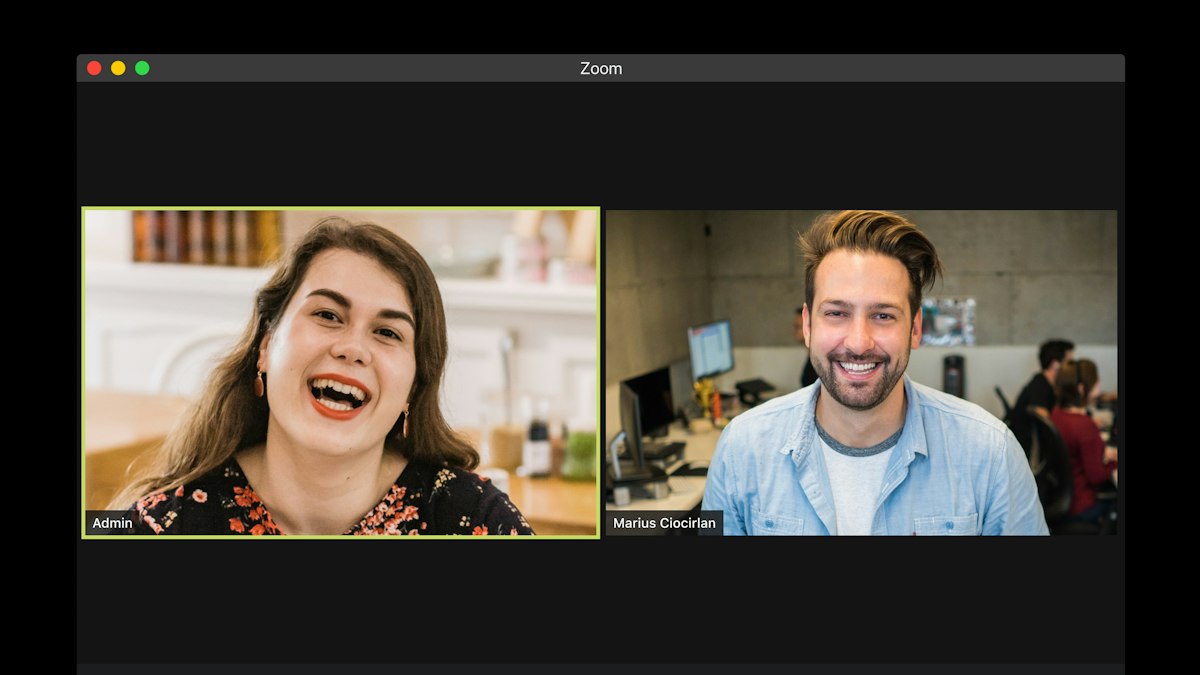
One of the biggest crypto thefts ever began with a job interview. Binance says hackers posing as recruiters for a fake company interviewed one of its engineers twice, then asked him to download a “coding assignment” onto his work computer. It contained malware, the first step in a months-long attack. The FBI has linked the theft to North Korean hackers.
Tech workers and job seekers are being targeted with this trick worldwide. Here’s how to stay safe.
Warning signs of a fake recruiter
- The company has little real online presence, or its website is brand new
- Interviews move unusually fast and skip normal HR steps
- You’re asked to download and run code, install a special video-call app or browser extension
- The “test” must be run on your work computer
- Pressure to finish quickly, often outside business hours
How to protect yourself
- Verify the company: check its official website, LinkedIn employees and news coverage. Contact the company through an official address, not the recruiter’s.
- Never run take-home code on your work machine. Use a separate computer, a virtual machine or an online coding platform.
- Read code before running it and watch for install scripts or hidden downloads.
- Use only well-known video-call tools you already have installed.
- Report suspicious approaches to your security team and the job platform.
Remember: legitimate employers rarely need you to run unknown software on your own device just to get an interview.
Add a hardware security key
Malware from fake interviews often tries to steal saved passwords and login sessions. A hardware security key adds strong protection: even if someone steals your password, they cannot sign in without the physical key.
Security key
Yubico YubiKey 5C NFC
One of the most widely supported security keys. It plugs into USB-C ports and works with phones over NFC, and supports passkeys and two-factor sign-in for major services such as Google and Microsoft. Buy two and keep one as a backup.
Featured image: Representative photo via Unsplash