This article contains affiliate links marked “(paid link)”. If you buy through them, DigroTech may earn a commission at no extra cost to you. Learn more.
Google recently disrupted XCPE, a botnet of more than 1.3 million Android TV set-top boxes in over 200 countries. According to Google, the boxes’ manufacturer, Shenzhen-based Videostrong, built the backdoor into the firmware itself, so buyers were infected the moment they plugged the device in. Infected boxes were used for ad fraud, to route criminals’ traffic through people’s home internet, and to install more malware.
Google has cut off the botnet’s servers, but the hidden code can remain on the devices. Here’s how to check yours.
Step 1: Know who made your box
Look past the brand sticker. Check the box, manual or Settings → About for the manufacturer and model. Unknown brands sold very cheaply online deserve extra suspicion.
Step 2: Check Play Protect certification
Open the Google Play Store, go to Settings → About, and look for “Play Protect certification.” Uncertified devices carry more risk, though note that even some certified boxes were affected in this case.
Step 3: Watch for warning signs
- The box gets warm or runs slowly even when idle
- Your internet slows down unexpectedly
- Unknown apps appear, or ads pop up outside apps
Step 4: Protect your network
- If you suspect a problem, unplug the box and stop using it.
- Change your Wi-Fi password and router admin password.
- Put smart-home and TV devices on a guest network separate from your computers and phones.
- Replace it with a device from a well-known brand that receives regular security updates.
Tip: when a streaming box is much cheaper than big-brand alternatives, the hidden cost may be your security.
Safer replacements for a cheap TV box
If you decide to retire an unbranded Android TV box, a streaming device from a major brand is the simplest fix. These get regular security updates and come from companies with a track record of supporting them.
Streaming
Amazon Fire TV Stick 4K Max
Amazon’s top streaming stick handles 4K streaming with a voice remote and plugs straight into an HDMI port. It suits anyone already using Prime Video or Alexa.
Streaming
Google TV Streamer 4K
Google’s box runs Google TV with a voice remote and has an Ethernet port for a steadier connection. A good pick for Android phone users and anyone who prefers a wired setup.
Streaming
Roku Streaming Stick Plus
Roku’s stick supports 4K and HDR10+ with a simple, brand-neutral home screen. It is the easiest choice for less technical family members.
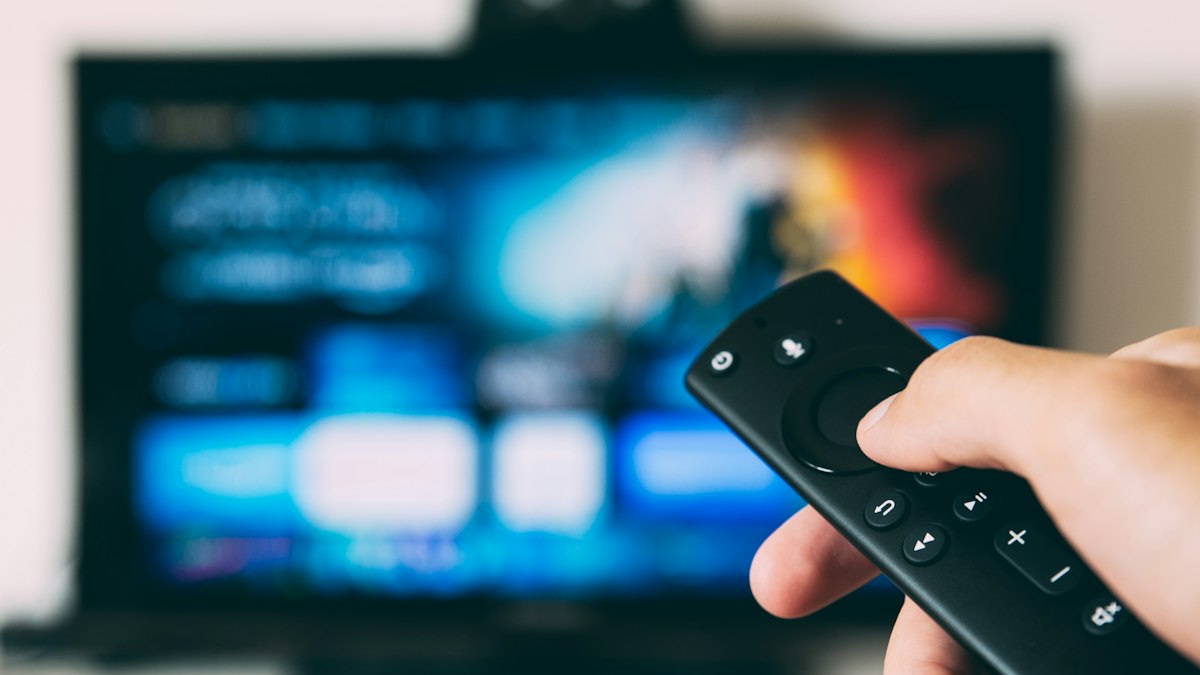
Featured image: Representative photo via Unsplash